 ShortPoster
ShortPoster — AI-powered short-form content creation and publishing platform
ShortPoster is a web application for creating, managing and publishing short-form social media content. Users can generate videos, captions and hashtags, manage their content library and connect supported social media accounts. The application runs in the browser at shortposter.de and is operated from Germany.
How ShortPoster works
- 1Create an account or sign in
Users sign in to their ShortPoster account at shortposter.de/auth.
- 2Choose a topic or niche
Users select one of the built-in content niches or enter their own topic.
- 3Generate the content
ShortPoster generates a script, voiceover, subtitles, visuals, caption and hashtag suggestions.
- 4Review and edit
Users can edit the script, subtitles, fonts, colors, background music and branding before rendering.
- 5Connect a TikTok account
Users connect their own TikTok account through TikTok Login Kit and grant the permissions themselves.
- 6Publish or schedule
Users publish the finished video to their own TikTok account, send it as a draft, or schedule it in the content calendar.
TikTok integration
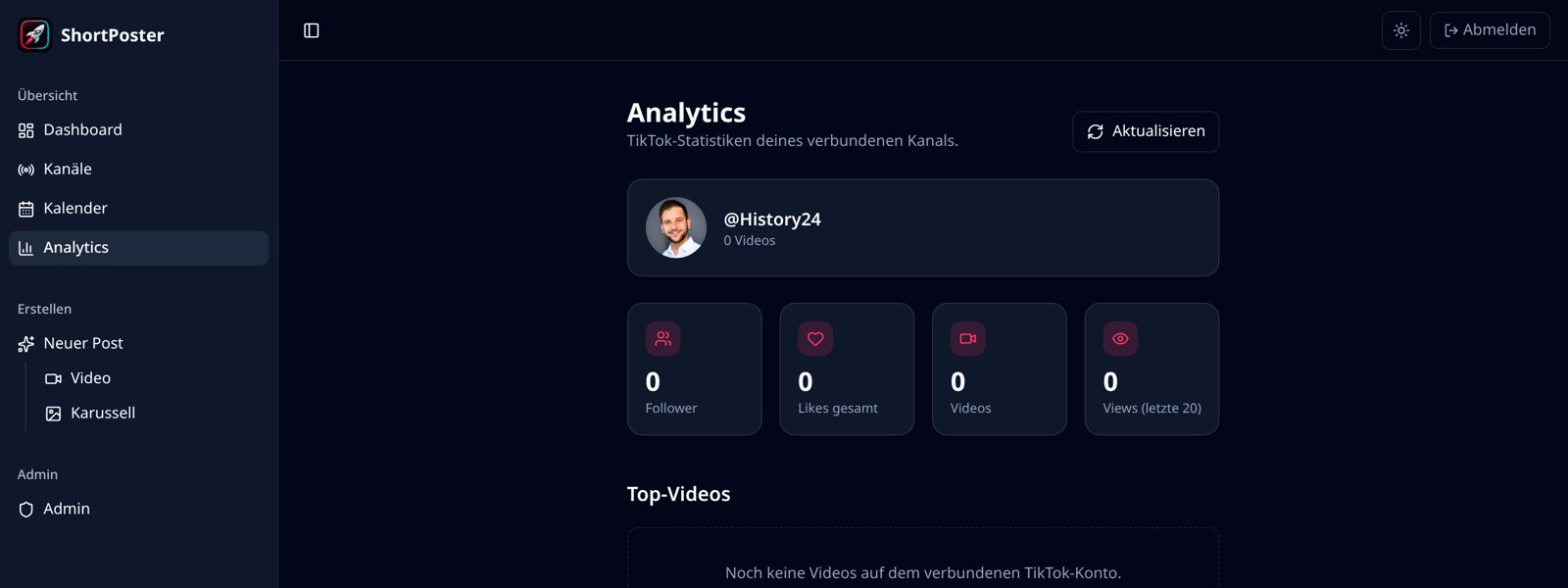
Users can connect their own TikTok account using TikTok Login Kit. After the user authorizes the connection, ShortPoster can display basic account information and allow the user to upload and publish videos created within ShortPoster directly to their own TikTok account.
Every upload is initiated by the user for their own account. ShortPoster does not post on behalf of third-party accounts, does not perform bulk or automated engagement, and does not interact with other users' content. Before publishing, the user selects the privacy setting and the interaction settings (comments, duet, stitch) that TikTok returns for their account.
Users can disconnect their TikTok account at any time inside ShortPoster. Disconnecting removes the stored access token; no further requests are made to the TikTok API for that account.
TikTok is a trademark of its respective owner. ShortPoster is an independent product and is not affiliated with, endorsed by or sponsored by TikTok.
Product features
Script, voiceover, word-accurate subtitles and scene visuals are generated from a single topic input.
Fonts, colors, subtitle style, motion, logo intro/outro, background music and volume are fully adjustable.
Every post comes with a ready-to-use caption and hashtag suggestions the user can edit.
Photo-slideshow posts with multiple text and image slides.
All generated posts are stored in the user's account and can be reopened, downloaded or reused.
Users link their own TikTok account via TikTok Login Kit and can disconnect it at any time.
Videos created in ShortPoster are uploaded to the user's own TikTok account as a direct post or as a draft.
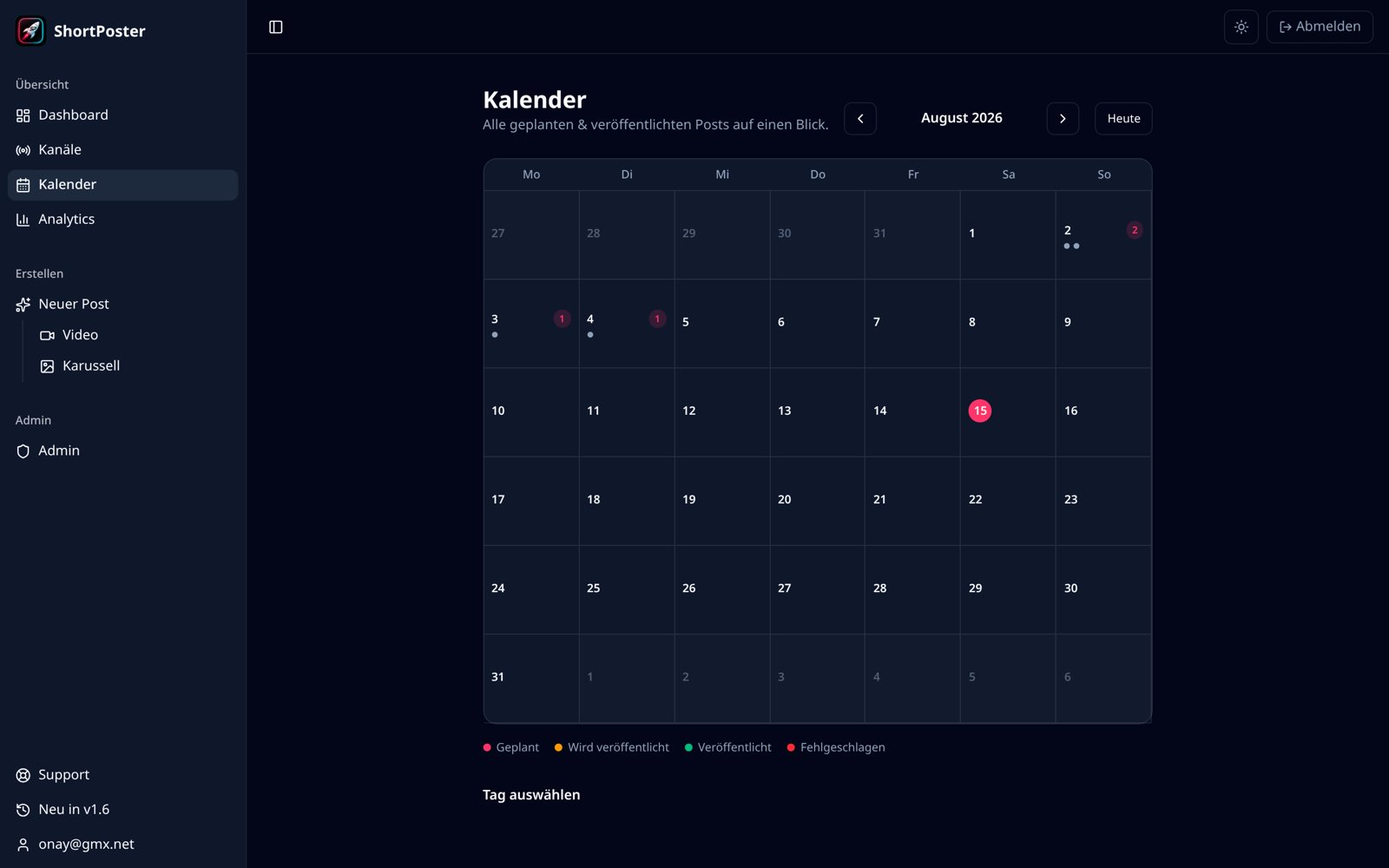
A calendar view shows planned and published posts and lets users pick a publishing date and time.
Inside the application
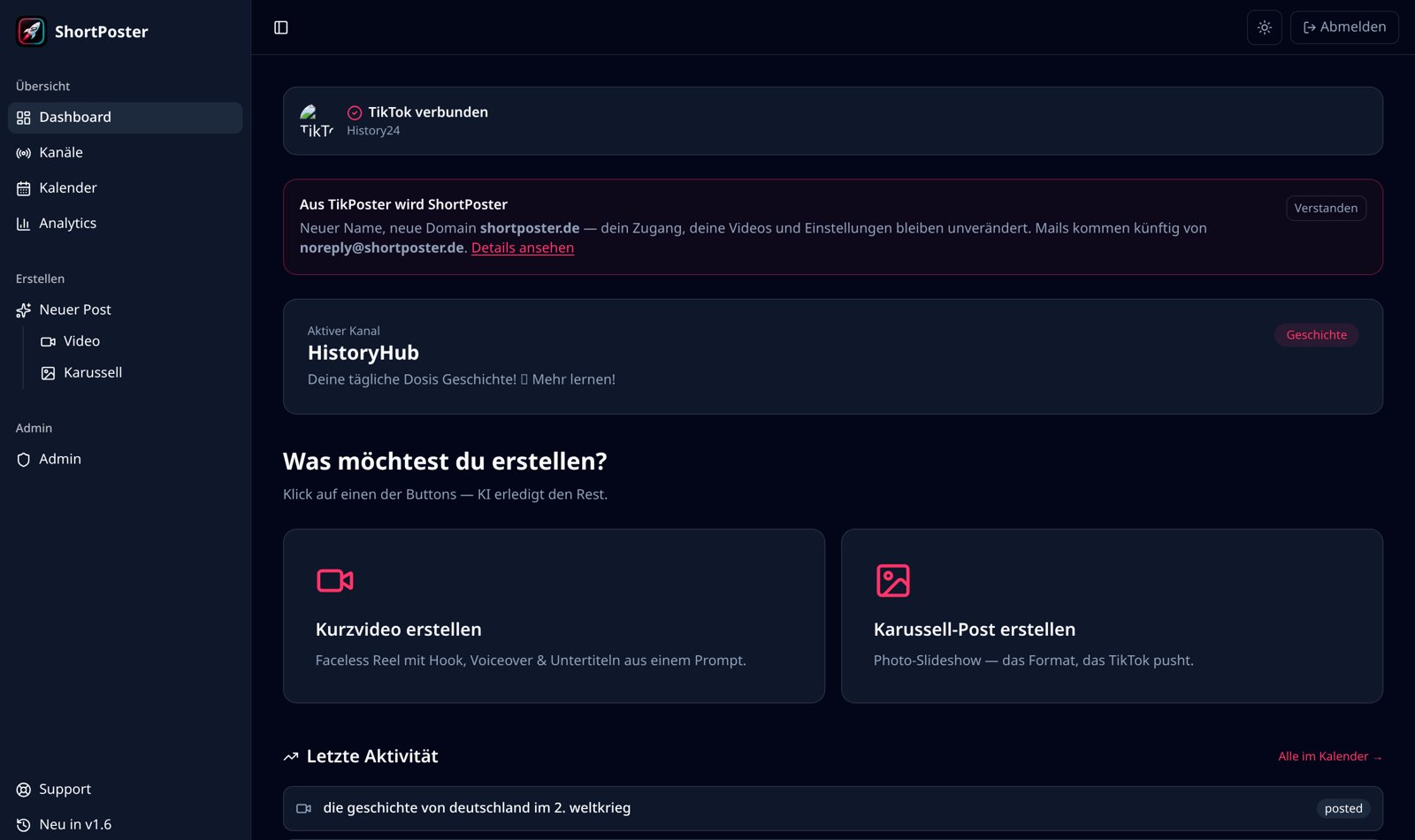
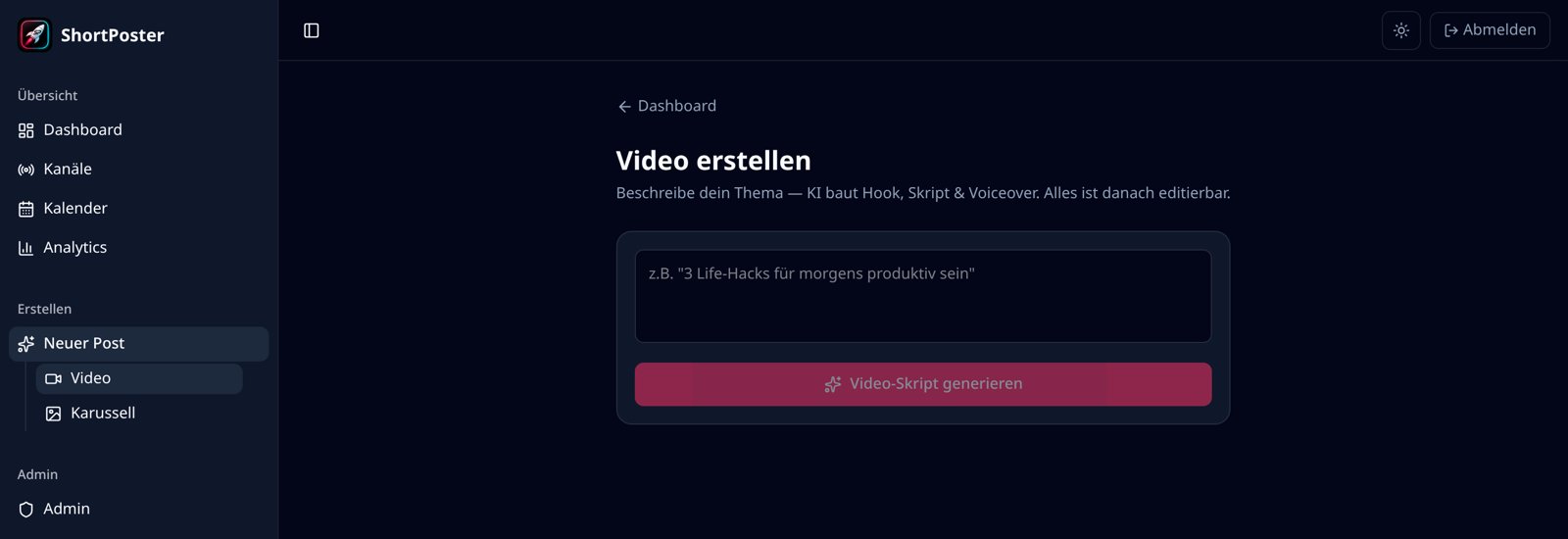
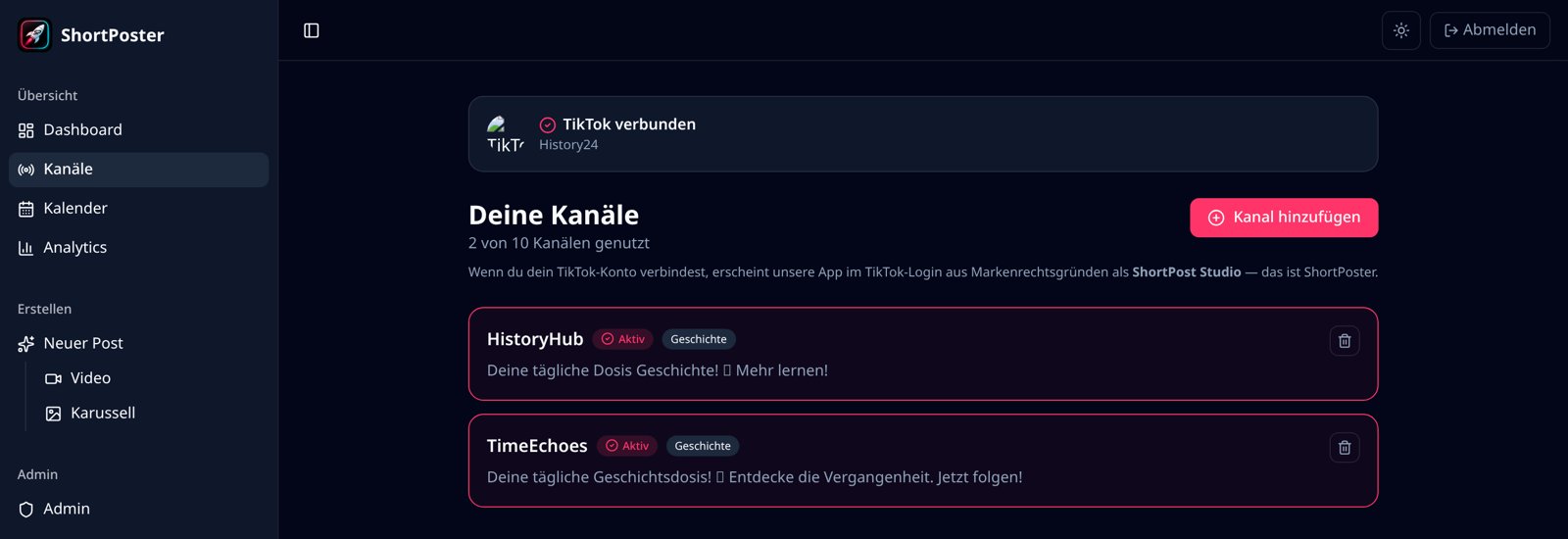
Screenshots from the live ShortPoster web application. The interface language is German; the product is aimed at German-speaking creators.
Access and support
ShortPoster is a paid web application. Existing users sign in at shortposter.de/auth with a magic link or a password. Product updates are documented publicly in our changelog. Support requests are handled by email at support@shortposter.de.